
Easy Mosaic Cover what you want to hide -- that's it
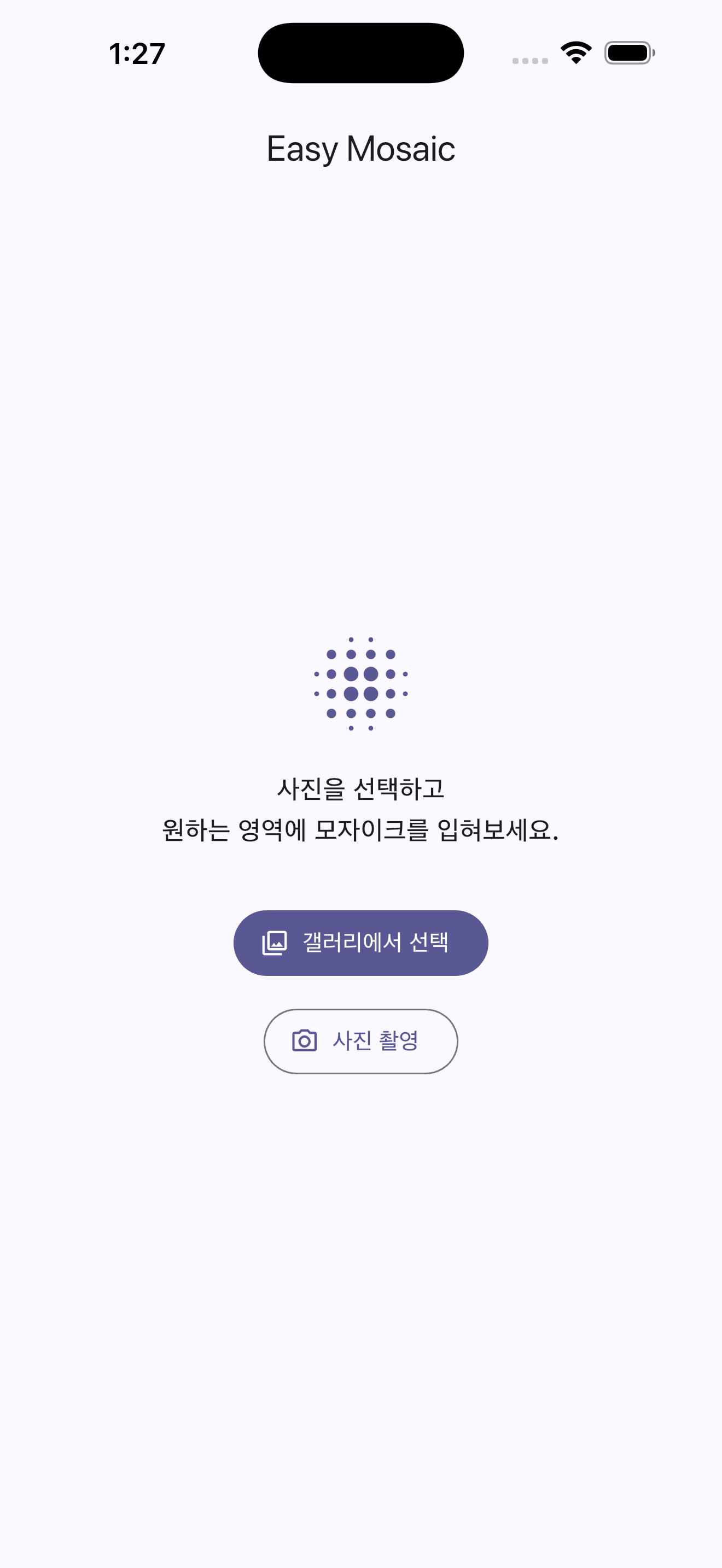
Pick a photo
Choose a photo from your gallery, drag one straight onto the window on desktop, or take a new one on the spot.
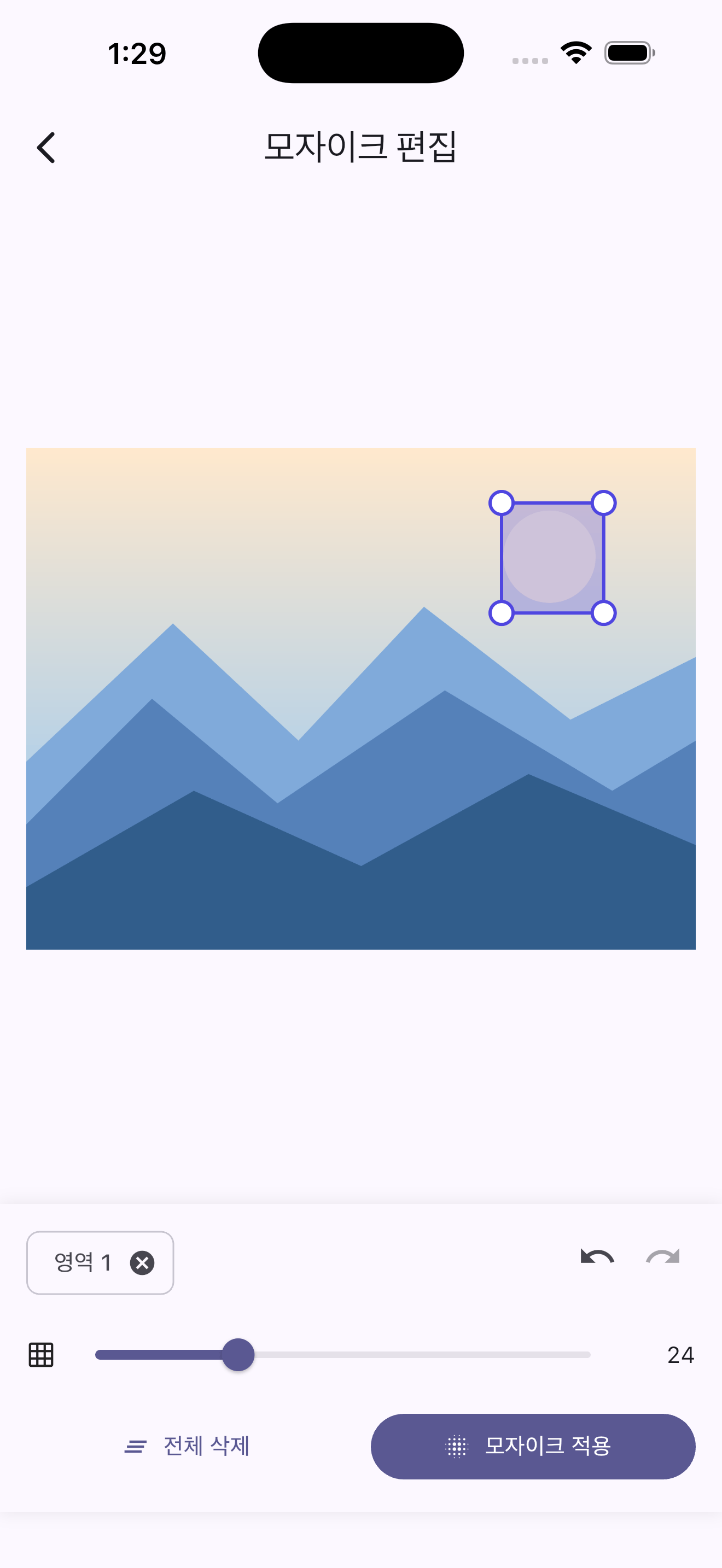
Draw and mosaic
Drag over faces, license plates, or any sensitive text and apply the mosaic effect instantly. Move, resize, or undo any region.
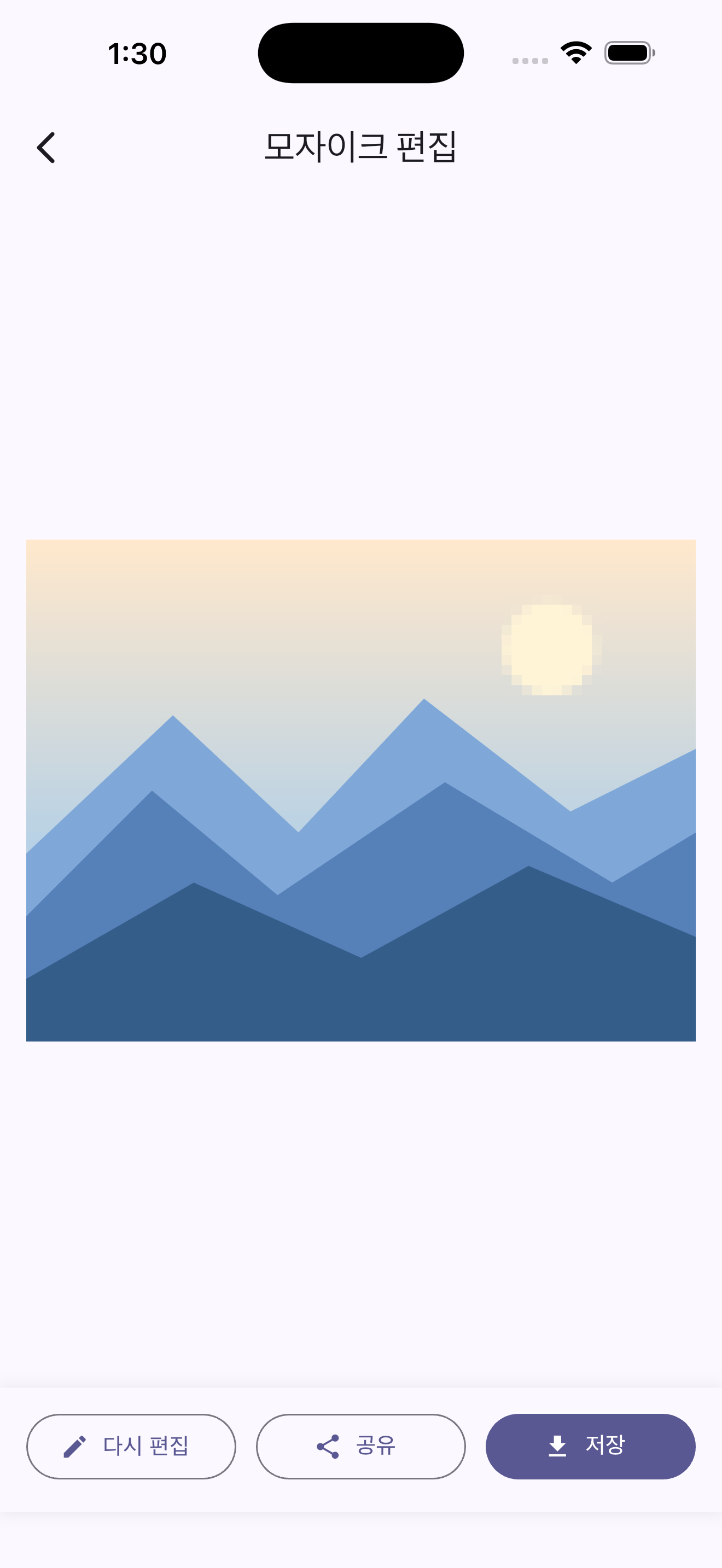
Save or share
Save the finished photo to your gallery, or share it right away -- all processing happens on your device, nothing is ever uploaded.
Why Easy Mosaic
Mask only what you want
Draw directly over the parts of a photo you want to hide. Handle multiple regions at once.
Face & privacy blur
Quickly cover faces, documents, or any on-screen text you don't want visible.
Adjustable intensity
Tune the mosaic block size to taste, from a light blur to fully unreadable.
Undo & redo
Made a mistake drawing a region? One tap undoes it. Resize and move regions freely too.
Easy save & share
Save the finished photo to your gallery, or share it straight from the app.
No privacy concerns
No account, no login, no server upload. This app collects no personal data whatsoever.